TL;DR
- Andrej Karpathy's Loop agent ran 700 experiments autonomously in 2 days — proof that AI doesn't need your constant attention to deliver results
- Chat-based AI is a bottleneck: synchronous, session-locked, and fundamentally incompatible with real-world workflows
- Desktop AI running on always-on hardware turns your Mac mini into a 24/7 intelligent agent host — no cloud dependency, no subscription fatigue
- Hyperclaw enables background agent execution, scheduled tasks, and system tray operation so your AI workforce never sleeps
The Experiment That Changed Everything
In early 2026, Andrej Karpathy shared something that made the AI community stop and think: his Loop agent had autonomously run 700 experiments in 2 days. Not 7. Not 70. Seven hundred. While he slept, while he ate, while he did everything except watch a progress bar.
The Hacker News post documenting this hit 211 points with 166 comments — a genuine signal that thousands of developers and power users saw the same thing Karpathy did. The future of AI isn't a chatbot you talk to. It's an agent that works for you, continuously, without needing you in the loop.
This article makes the case for why desktop AI — specifically your always-on Mac mini sitting in the corner — is the perfect host for this new paradigm.
The Async Shift: Why Chat-Based AI Is Already Obsolete for Serious Work
Let's be honest: talking to an AI through a chat interface feels magical for the first hour. Then it starts to feel like a bottleneck.
The problem with synchronous AI:
- Your session ends, your context evaporates
- You're tied to a browser tab or app window
- Monitoring requires your active presence
- Cloud services have rate limits, subscription tiers, and privacy tradeoffs
When you're building something real — a codebase, a content pipeline, a research workflow — you don't want an assistant that requires your attention. You want a colleague that handles the work and tells you when it's done.
That's the async shift. It's not about making AI "faster." It's about making AI persistent and background-capable — agents that run on your schedule, check their work, iterate, and report back when they have results worth sharing.
What "Agents That Run While You Sleep" Actually Means for Productivity
Picture this: It's 11 PM. You define a research task — "scrape all Hacker News posts about LLMs from the past week, summarize the top 20 by sentiment and theme." You set it and go to sleep. At 7 AM, you wake up to a full report on your desktop.
Or: You're a developer. You leave a code review agent running overnight that audits your entire PR queue, flags security issues, checks test coverage, and compiles a prioritised fix list for the morning.
Or: You're a content creator. You queue up a week's worth of topic briefs before the weekend. Monday morning, you have five fully drafted posts ready for review.
This isn't science fiction. This is async AI in production — and it's the biggest unlock for knowledge workers since the personal computer.
The key benefits:
- Time arbitrage: Your AI works while your time zone is off
- Batch efficiency: Agents don't get tired or make mistakes from repetition
- Persistence: Context lives beyond a single session
- Parallelism: Run 5, 10, 20 agents simultaneously on different tasks
The Desktop Advantage: Why Your Mac Mini Is the Perfect Always-On AI Machine
Cloud AI is a rented apartment. Desktop AI is owning your house.
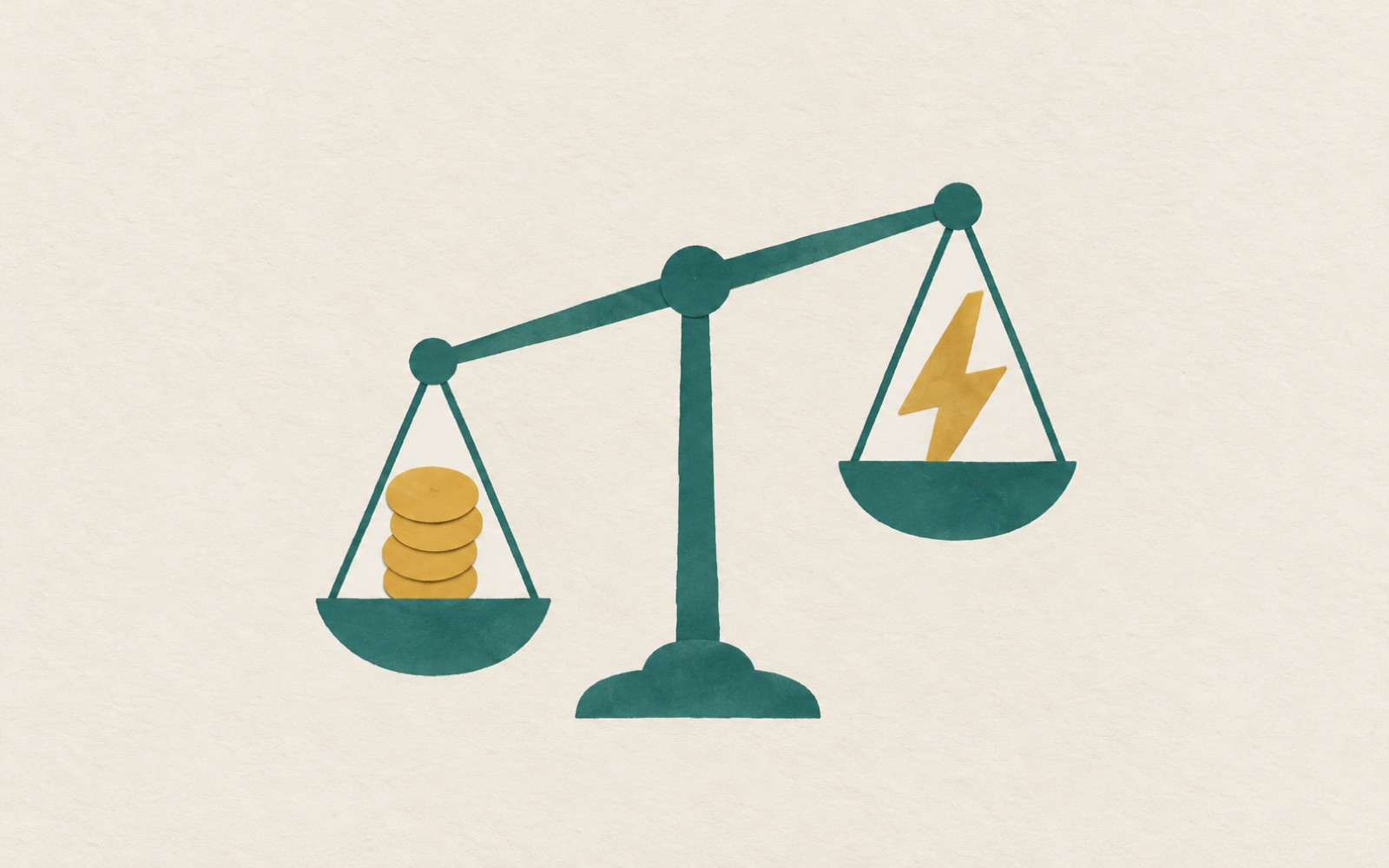
There's a quiet revolution happening in homes and small offices: people are setting up always-on Mac minis as their personal AI servers. The economics are compelling:
- M4 chip performance rivals cloud GPU instances at a fraction of the cost
- No per-token pricing, no rate limits, no data sovereignty concerns
- Your AI infrastructure is under your physical control
- Fanless, silent, low power draw — designed to run 24/7
The desktop form factor matters for another reason: it bridges the gap between "power user" and "everyone else." You don't need to manage a server rack or understand Kubernetes. You plug in a box, run a desktop app, and your AI infrastructure is live.
For the first time, personal AI and persistent AI aren't competing tradeoffs — they're the same thing.
Hyperclaw's Role: Background Agent Execution, System Tray Mode, and Scheduled Tasks
Hyperclaw is built for exactly this world.
When you run Hyperclaw on your Mac mini, it doesn't just give you access to AI models — it gives you a persistent execution environment for agents that work on your behalf:
- Background agent execution: Agents run continuously in the background, independent of your active session. Set it and forget it.
- System tray mode: Hyperclaw operates from your menu bar, consuming minimal resources, ready to execute on schedule or on trigger.
- Scheduled tasks: Define when agents run — midnight research sweeps, morning report generation, end-of-week content pipelines.
- No cloud dependency: Your agents run locally. Your data stays on your hardware.
The result is an AI workforce that doesn't require your supervision. You define the mission. Hyperclaw executes it. You get the results.
FAQ
Does it still work if my laptop sleeps?
Yes — if Hyperclaw is running on an always-on desktop (like a Mac mini), agents execute on schedule regardless of whether any display is connected. Sleeping laptops are for humans; your AI workforce doesn't need rest.
How do I monitor background agents?
Hyperclaw's dashboard shows active agent status, run history, and output logs. You'll also receive notifications when tasks complete or require attention — no need to keep a window open.
Is it safe to run AI agents unattended?
Hyperclaw runs agents within a sandboxed local environment. No data leaves your network unless you explicitly configure it to. For most workflows — code review, content generation, research — local execution is not only safe, it's preferable.
Final Take
The era of "AI that waits for you" is ending. The most productive people in AI right now aren't the ones who type the best prompts. They're the ones who figured out how to delegate continuously — setting up agents that run in the background, compound their work overnight, and deliver results by morning.
Your Mac mini in the corner isn't just a computer. With Hyperclaw, it's a 24/7 AI operations center that never clocks out.
AI that waits for you is AI that wastes your time. Build the workflow. Set the agents. Sleep soundly.
Ready to run agents while you sleep? Get started with Hyperclaw and turn your desktop into an always-on AI machine.