TL;DR
- Claude Code's new auto mode lets the AI approve its own tool calls without interrupting you
- A safety classifier silently blocks destructive actions before they execute — not after you approve them
- This is the first credible middle ground between "approve everything" and "ask for every click"
- The UX pattern is coming for every AI coding tool — and Anthropic just set the bar
The 33K-Likes Launch That Changed How We Think About AI Agency
When Anthropic quietly dropped auto mode into Claude Code, the developer community didn't just notice — it resonated. The announcement racked up 33K likes, 4.4M views, and 1.8K comments. One developer put it plainly: "Claude Code is shipping so hard right now that OpenAI started restructuring." Another called it "crazy" — in the best possible way.
What made this moment different from the usual feature-drop hype?
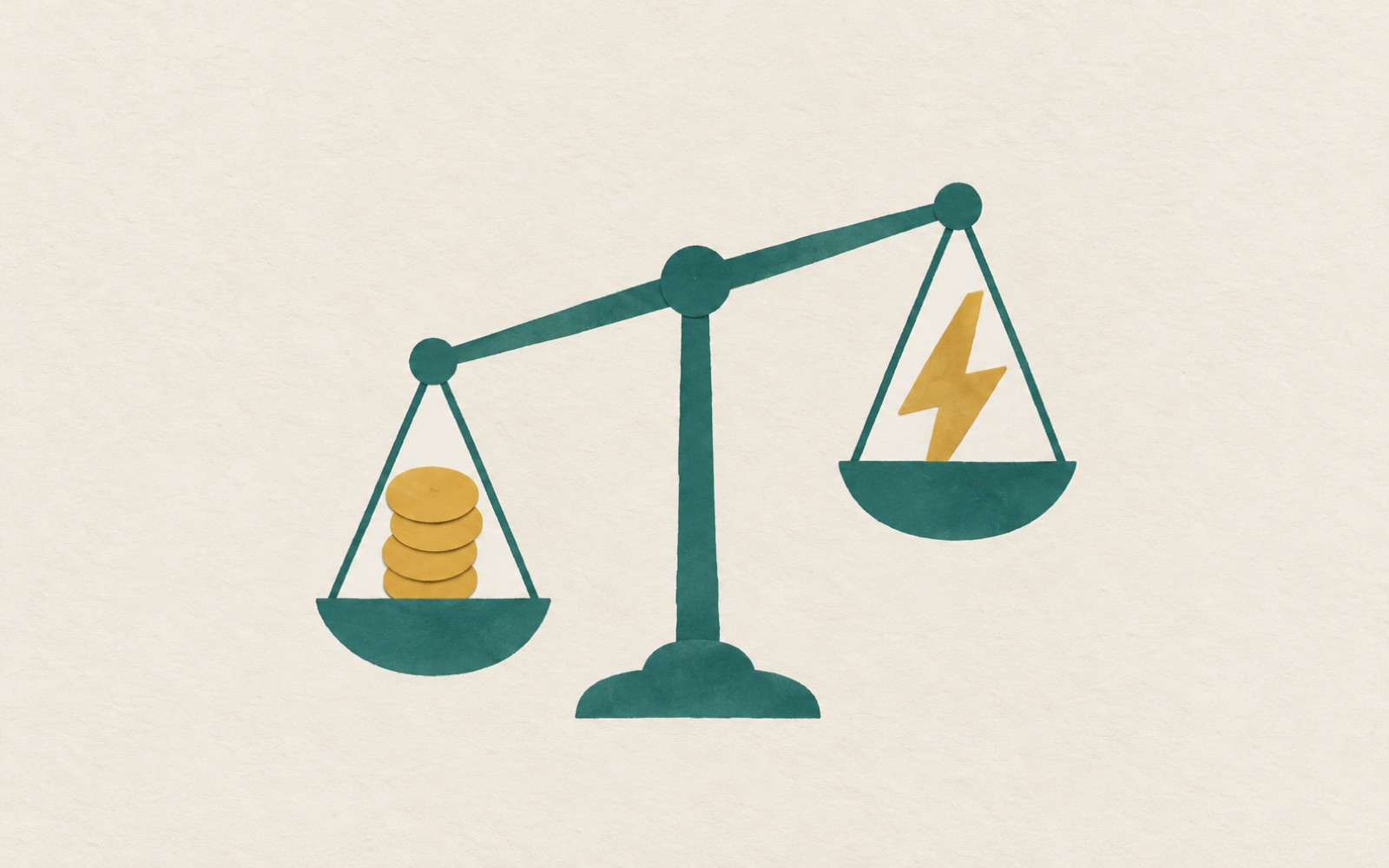
Auto mode is the first serious attempt to solve the permission paradox in AI coding agents. For months, developers have been stuck in an exhausting loop: approve every file edit, every command execution, every terminal action. The alternative — approve everything and pray — isn't a real option when your agent is touching production code.
Anthropic found a third path. And it's elegant.
What Auto Mode Actually Does
In short: Claude Code can now approve its own tool calls up to a configurable trust boundary. When you enable auto mode (claude --enable-auto-mode), the agent no longer pauses mid-task waiting for your thumbs-up on every Write or Bash call.
The magic isn't just in the auto-approval — it's in the safety classifier. Before any potentially destructive action runs, a lightweight safety check evaluates whether the action crosses a line. Destructive commands get blocked before execution, not flagged after you've already confirmed them.
Enable it with Shift+Tab to toggle auto mode on and off at any time. You're always in control of the dial.
The practical impact is real: developers report that typical coding sessions go from dozens of permission prompts to near-zero interruptions, while still maintaining a hard safety floor.
Why the Safety Classifier Is the Real Innovation
Everyone expected Anthropic to add a "trust level" slider. They did one better.
The safety classifier isn't a rules engine or a hardcoded blocklist. It's a lightweight judgment call — trained to recognize dangerous patterns (rm -rf, credential exfiltration, system-wide changes) without blocking the full breadth of productive work. It thinks in terms of intent, not just syntax.
Compare this to the naive alternatives:
| Approach | Problem |
|---|---|
| Approve everything | One bad prompt injection and your repo is toast |
| Ask for everything | You become a bottleneck; flow dies |
| Block known dangerous commands | Easy to bypass; doesn't catch novel risks |
| Safety classifier (auto mode) | Context-aware, silent until it matters |
This is what "trust but verify" looks like when implemented by people who take safety seriously.
Developer Workflow: Less Friction, More Trust
The old UX assumption was that every AI tool call needed human oversight. That assumption was always a placeholder — a belt-and-suspenders approach while the tooling matured.
Auto mode challenges that assumption head-on. For boilerplate work, refactoring tasks, test writing, and exploratory coding, auto mode means you can start a session and walk away. You don't need to be a bottleneck for your own agent.
The critical insight: friction is a trust problem, not a safety problem. When developers had to approve every action, they weren't doing safety oversight — they were compensating for a tool they didn't trust. Auto mode fixes the root cause.
That said, it's not for everyone. Teams with strict compliance requirements or sensitive environments will want to keep manual approval on. The win is that you now have a choice.
Competitive Landscape: How This Stacks Up
The AI coding tool market just got interesting in a hurry.
- GitHub Copilot still relies heavily on inline suggestions with user-controlled accept/reject flows. No equivalent to auto mode yet.
- OpenAI Codex offers autonomous execution but lacks a built-in safety classifier — it's closer to "approve everything with warnings."
- Cursor has agent mode but the permission UX hasn't converged on a clean middle ground.
- Claude Code with auto mode is the first to ship a context-aware, silent safety layer alongside autonomous execution.
One reaction captured the mood: "this new Claude update is crazy" — with 2.4K likes. Developers aren't just impressed by the feature; they're relieved that someone finally solved the workflow interruption problem without making them choose between speed and safety.
FAQ
Can it delete my files?
Yes — but only non-destructive deletions during normal coding tasks. The safety classifier explicitly blocks patterns that look like credential theft, mass deletion, or system-wide changes. You can always Shift+Tab to disable auto mode mid-session.
Can I override it?
Absolutely. Auto mode is a toggle, not a commitment. Hit Shift+Tab to disable it at any time. There's no lock-in to the autonomous flow.
Does it work on enterprise plans?
Auto mode is available in the latest Claude Code release. For enterprise deployments with strict compliance requirements, your admin can set the default to manual approval — auto mode is opt-in, not forced.
What about prompt injection?
The safety classifier is designed to catch exfiltration attempts and malicious instructions embedded in files you're working with. It's not a silver bullet, but it's a meaningful layer that didn't exist before.
Final Take
Claude Code's auto mode isn't just a feature — it's a UX thesis statement. The future of AI coding tools isn't "ask more" or "trust more." It's "build systems smart enough to know the difference."
Anthropic just shipped the first credible version of that vision. Every other AI coding tool is now behind the curve — not on features, but on the fundamental question of how humans and agents should interact.
The permission-flipping era is ending. What comes next is faster, safer, and a lot less exhausting.
Ready to try it? Run claude --enable-auto-mode and see what coding feels like when your agent actually has your back.